 A collection by XSPARC
PlayGrid.
Five games.
Your next favourite.
A memory puzzle. An arcade run. One more try.
Find a game that fits your moment.
Web previews available · Google Play coming soon

Choose your next challenge
A little something for every mood.
All five games are playable
in the web preview.
Matchcraft
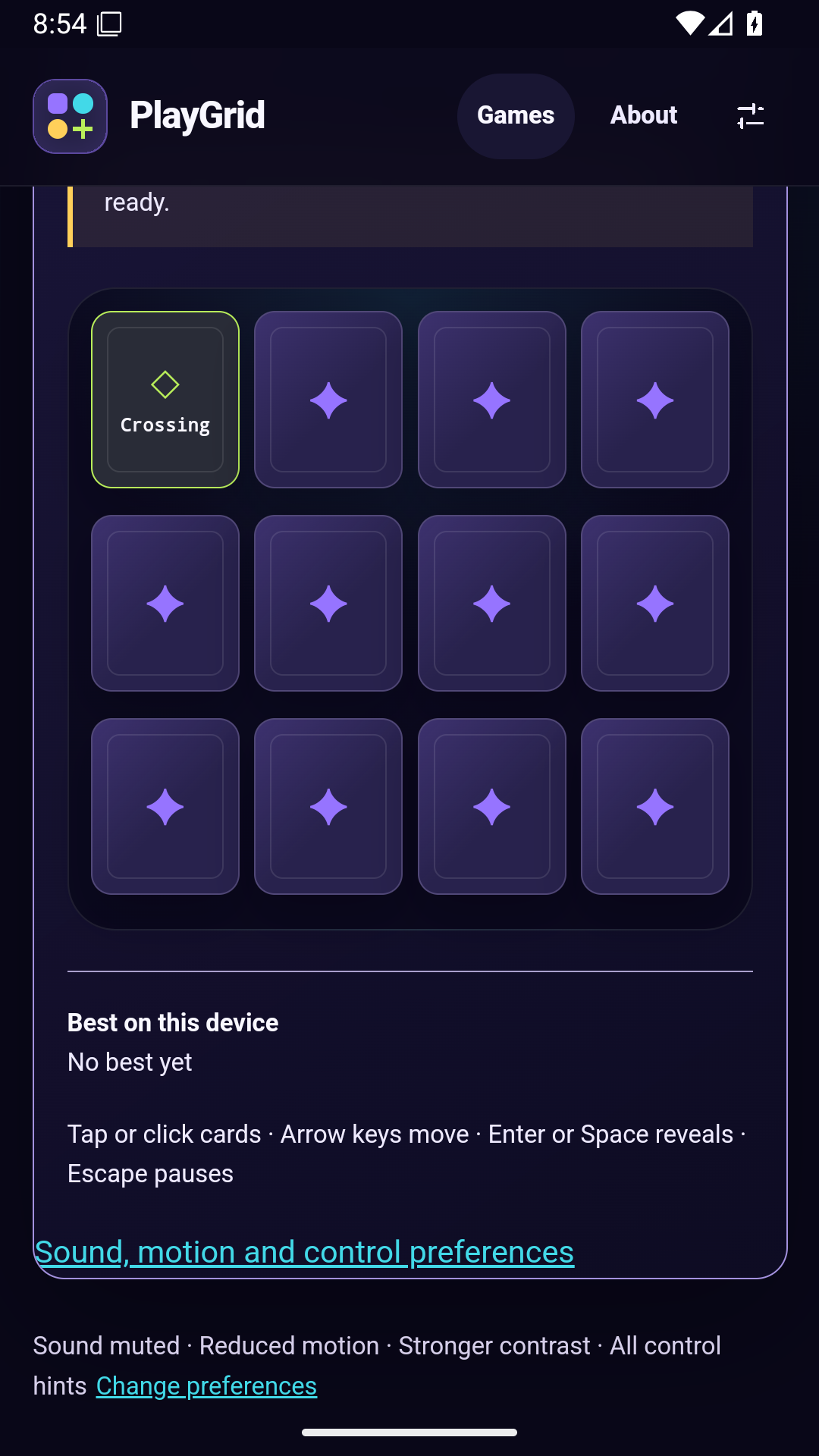
Turn over rune cards. Find every matching pair.
Play web previewNeon Coil
Collect sparks and steer clear of your growing trail.
Play web previewPrism Break
Find the angle. Break through three colourful stages.
Play web previewGrid Shift
Slide, merge, and make room for your next move.
Play web previewComet Dash
Time your leaps on a course that changes each day.
Play web previewPocket-sized possibilities
Your downtime.
To go.
PlayGrid for Android is coming soon to Google Play. Once installed, all five games work offline.
- Favourites and recently played games
- Sound, motion, contrast, and control preferences
- Local best scores and supported saved runs
The Android app and web version keep separate saves. PlayGrid is intended for adults aged 18 and over.
Coming soon to Google Play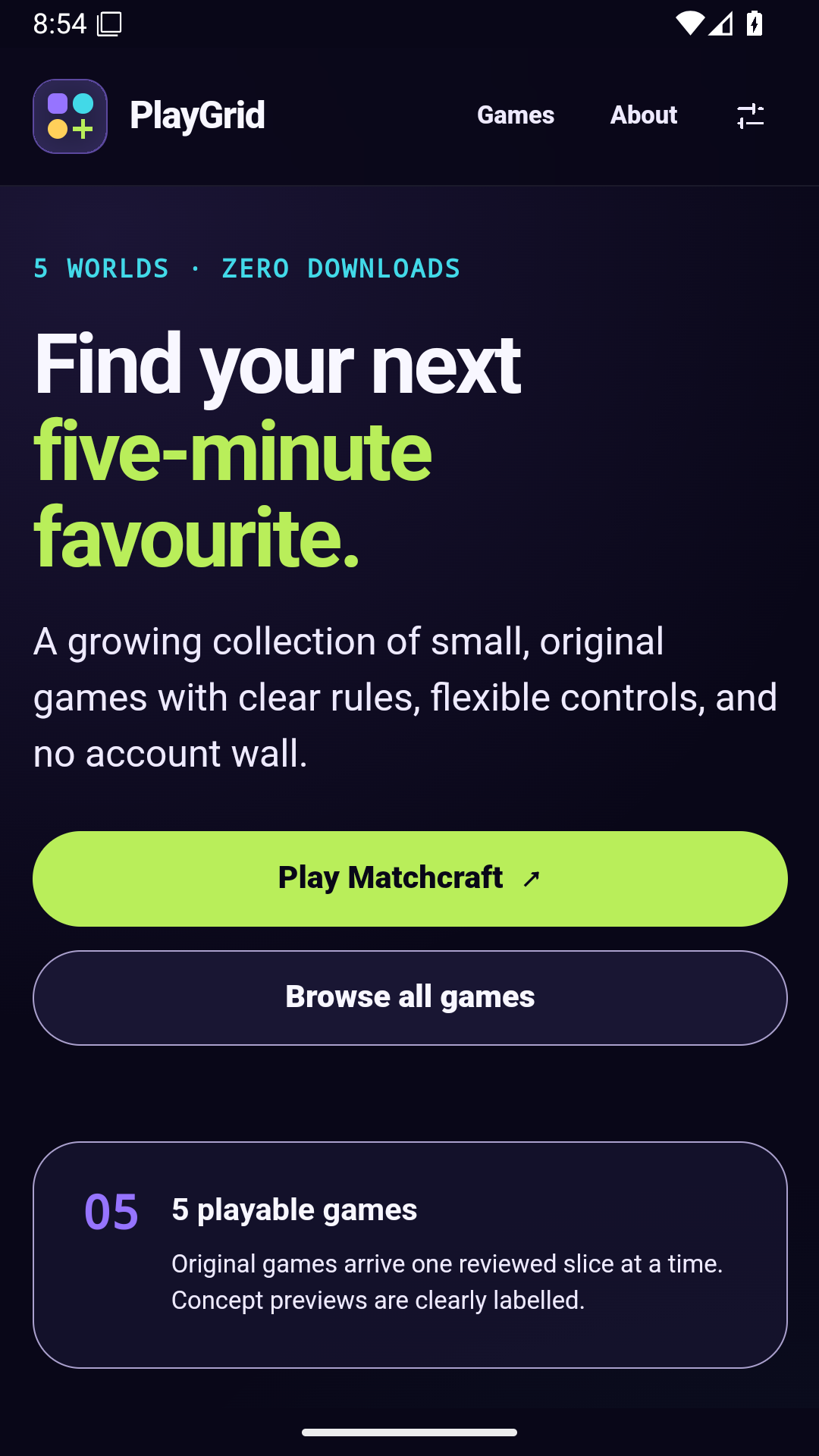
Android preview · Actual app captures
A few things to know
Before you jump in.
Can I download PlayGrid from Google Play?
Not yet. The Android app is coming soon. In the meantime, play the web previews. This page will link to the official Google Play listing when it launches.
Will my progress sync between web and Android?
No. Progress, preferences, and favourites stay in the browser or Android installation where you play. Matchcraft and Grid Shift can restore supported unfinished runs; the other games save best results.
How do I reset my game data?
Use Settings inside PlayGrid to reset local data after confirmation. On the web, close older PlayGrid tabs before resetting. See PlayGrid support for details.
What controls are supported?
All five games support keyboard and touch. Matchcraft, Prism Break, Grid Shift, and Comet Dash also support pointer controls. Read each game's instructions and accessibility information to find the right fit.